How To Change Password?
Published:
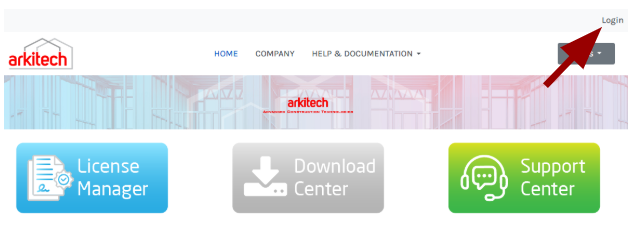
Go to the Customer Portal Main Page or the account page
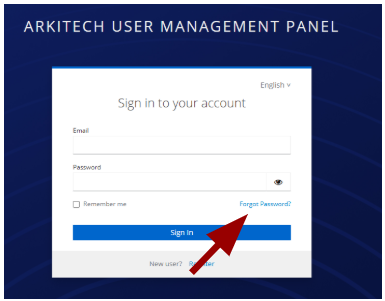
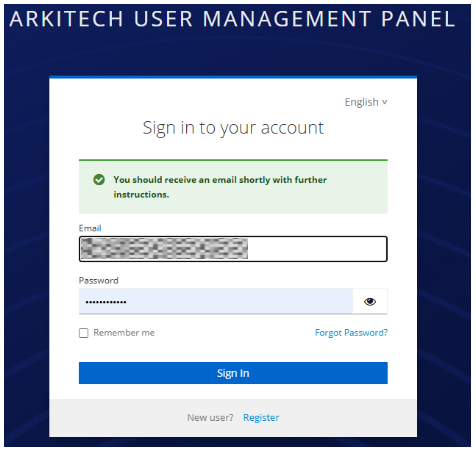
Click on the ‘Forgot Password’ button on the form.
Complete the form with the required information, then click the ‘Submit’ button.
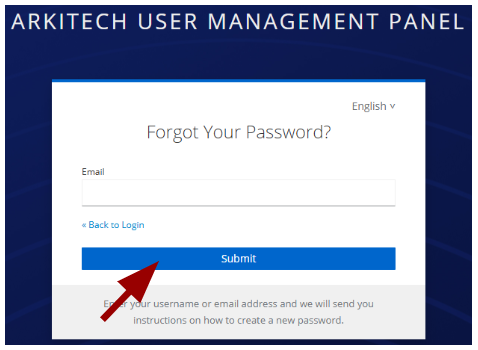
The system will dispatch a reset email to the address provided during registration.
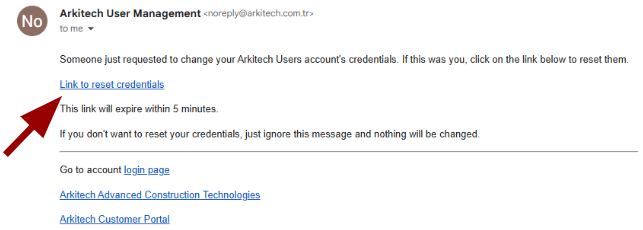
The e-mail will appear as shown below. Upon clicking the reset link, the system will update the password.