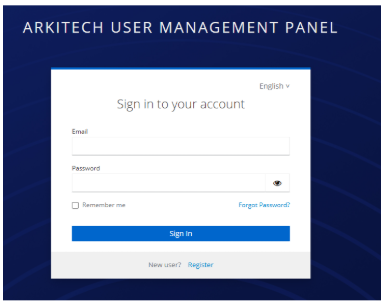
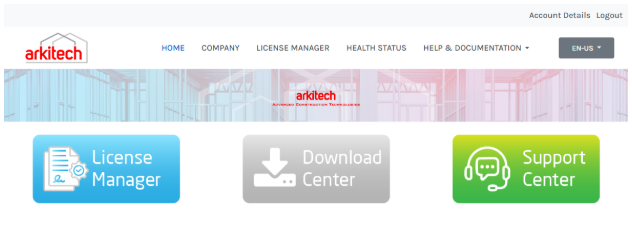
Sign Up to Arkitech Customer Portal
Why?
Arkitech Portal allows users to create and manage their accounts, including defining and managing digital licenses for administrators. The platform also serves as a distribution channel for software updates and digital content within the Arkitech environment.
https://portal.arkitech.services/
Front Page:
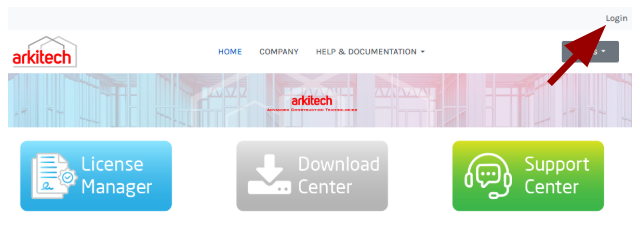
The first step is creating an account!
Click on the ‘Login’ button in the top right corner. Then click on the ‘Register’ button.
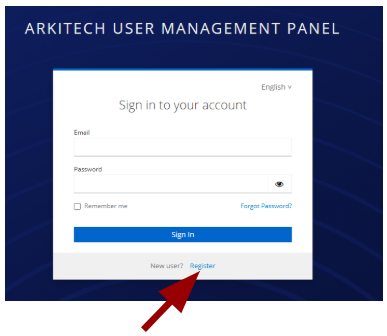
Complete the form with the required information, then click the ‘Register’ button.
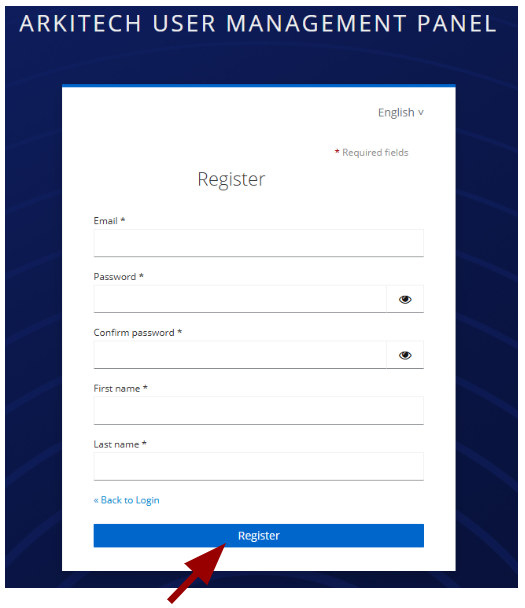
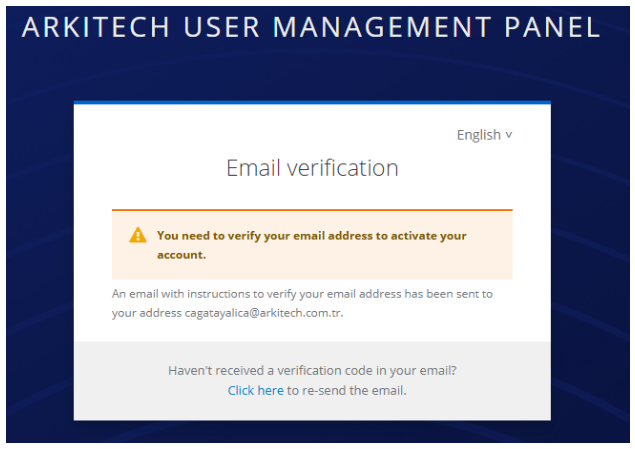
The system will dispatch a verification email to the address provided during registration.
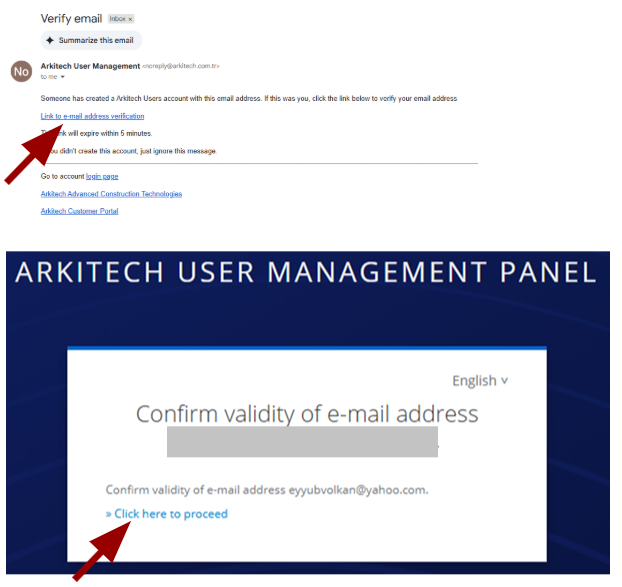
The e-mail will appear as shown below. Upon clicking the verification link, the system will prompt for a final action, and a user account will be successfully created.
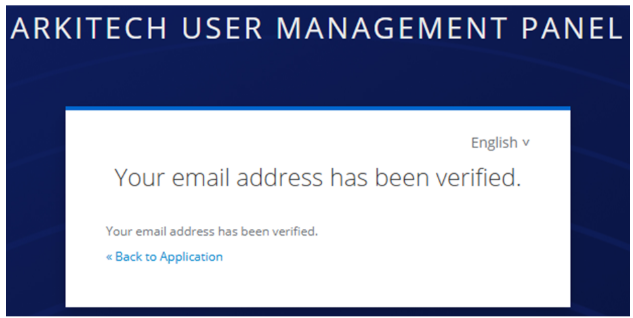
Following successful verification, users may log in via the login page to access the main portal. Go back to https://portal.arkitech.services/ and login;